Guide
Setup guide
From the site to Watch, then into the game. Same order as the desktop client flow.
WoW cannot talk to the website by itself. The Windows client is the bridge: it installs the addons, keeps Watch on, and pushes/pulls roster, iLvl, score, and news.
-
1
Download RaidRoster
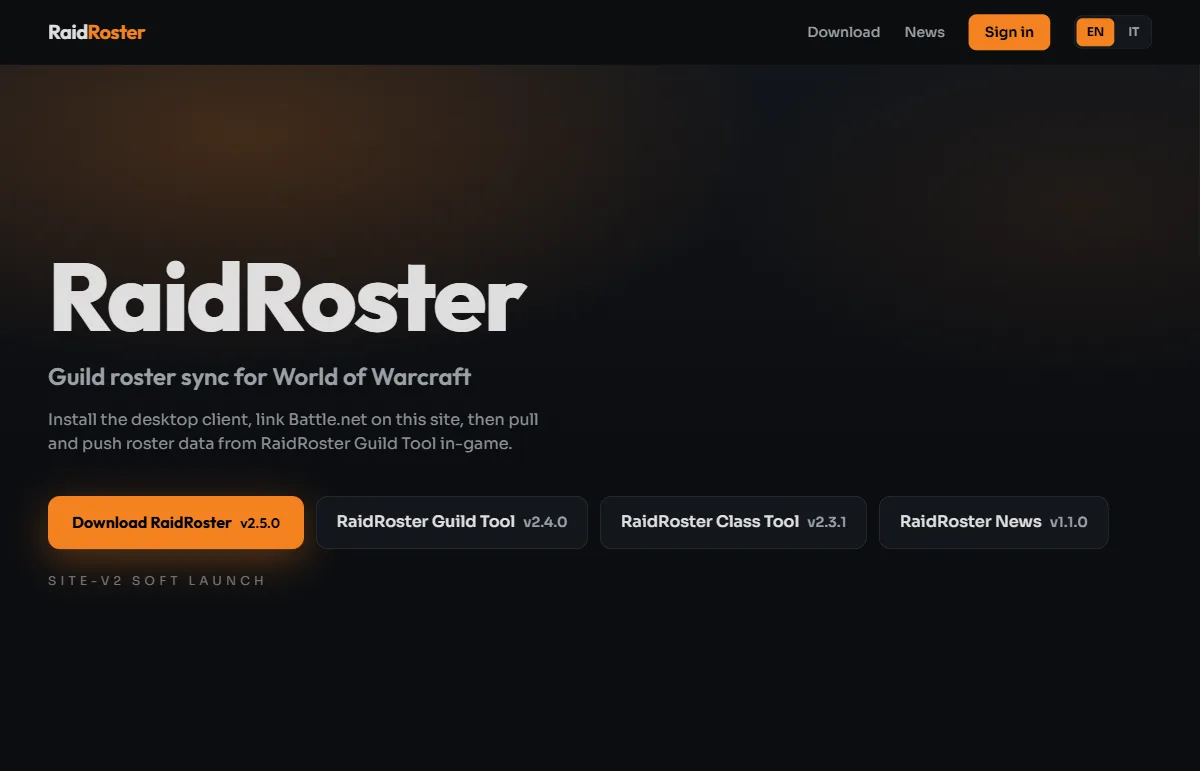
On the home page tap Install RaidRoster Sync and run RaidRoster-Setup.exe. You can also grab the addon zips from the same page, but the client can install them for you in step 4.
-
2
Create an account and sign in
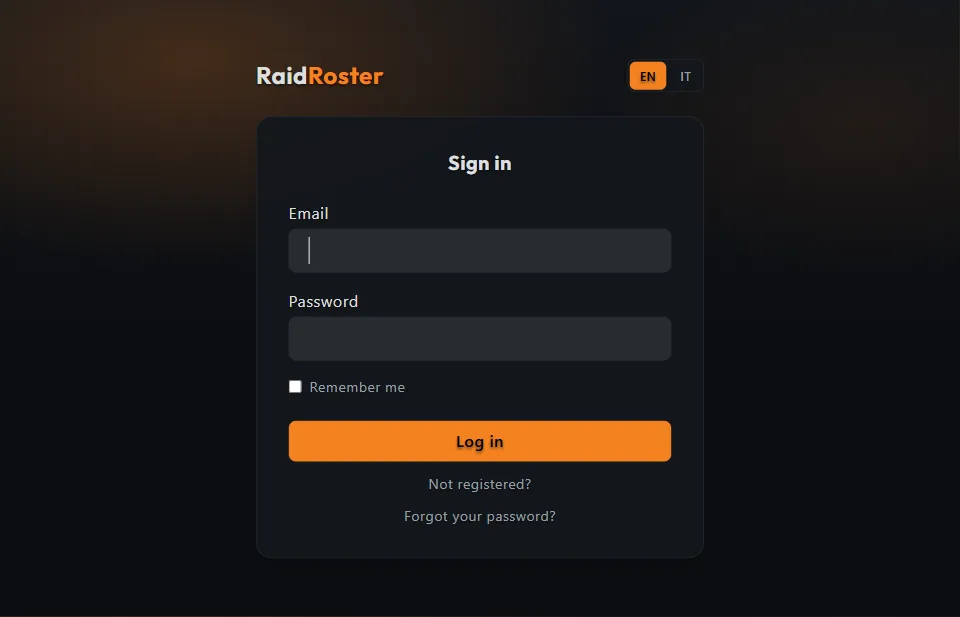
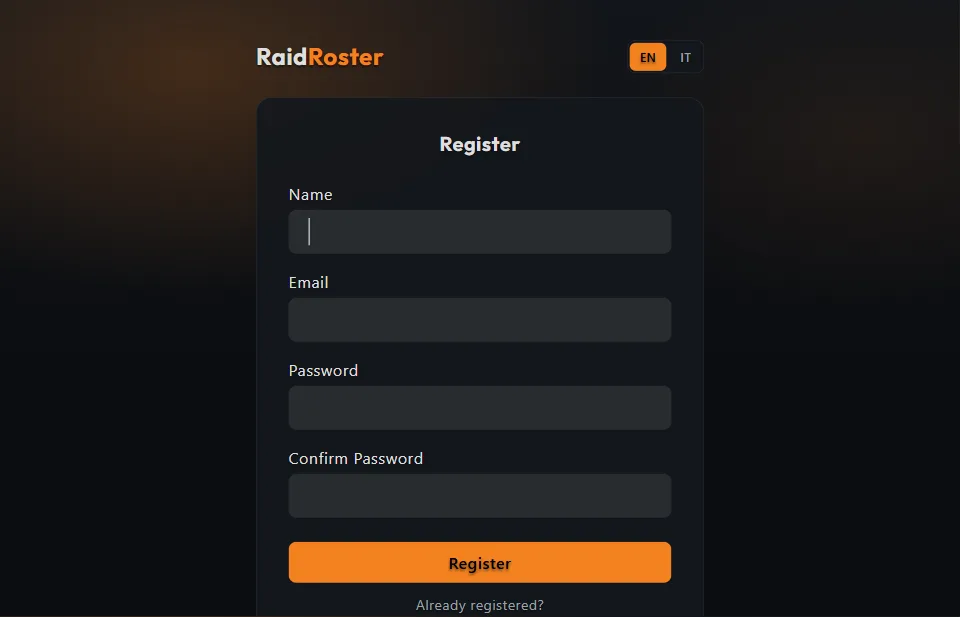
Register on the site, confirm your email, then sign in. Use the same account later in the desktop client.
-
3
Link Battle.net
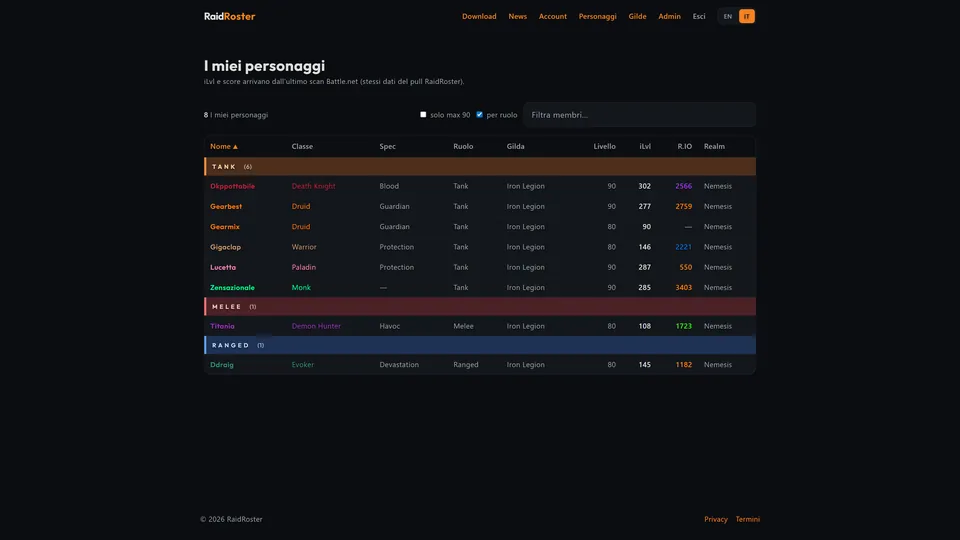
Open Account and tap Link Battle.net. After the scan you should see your characters and guilds. Refresh from Battle.net whenever you change main or guild.
-
4
Install addons in the client
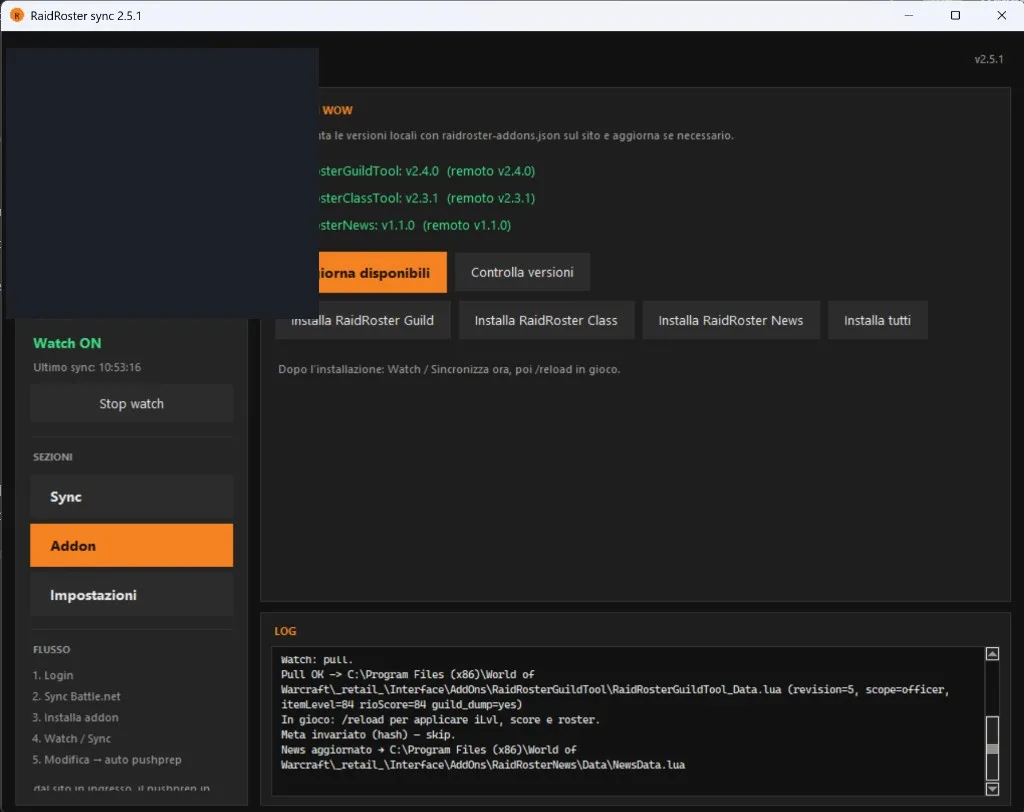
Open RaidRoster Sync, log in, then open the Addon tab. Use the row icons to install, update, reinstall, or remove each addon (or the toolbar icons for all). When Watch is ON the client writes data into the WoW AddOns folder. After every install or pull: /reload in game.
-
5
Watch and sync
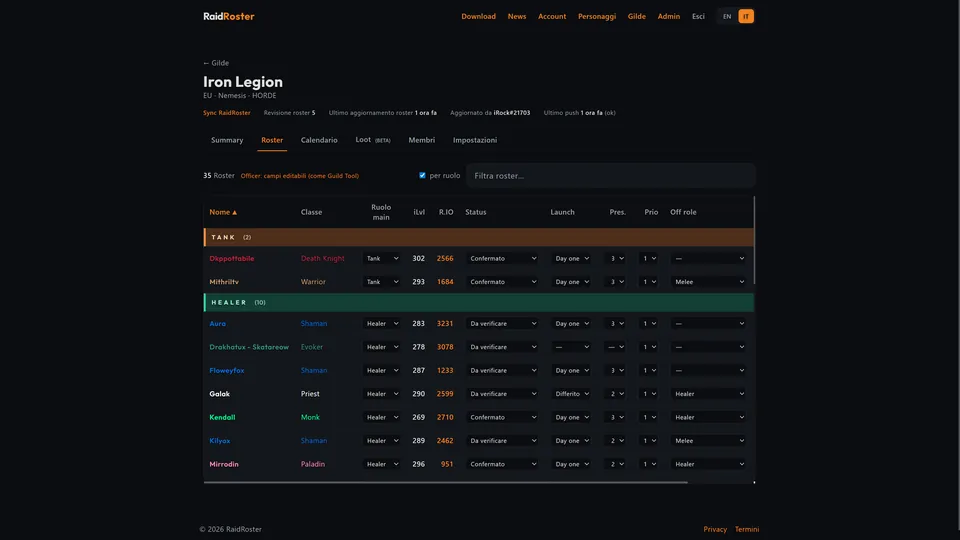
Leave Watch ON. It pulls iLvl/score into Guild Tool and News into RaidRoster News, and it pushes roster/calendar when you edit in-game (auto pushprep). The log tells you when a pull finished.
-
6
Open the addons in-game
Type the commands in chat. /rr opens the suite hub (tiles for each addon). You can also click the RaidRoster minimap button, or the addon compartment next to the minimap.
Command Opens /rr RaidRoster hub — tiles for Guild Tool, Class Tool, News, Enroute, Whispers, Loot /raidroster RaidRoster hub — tiles for Guild Tool, Class Tool, News, Enroute, Whispers, Loot /rrg RaidRoster Guild Tool (roster and calendar) /rrgt RaidRoster Guild Tool (roster and calendar) /rrc RaidRoster Class Tool (gear, meta, optimizer) /rrct RaidRoster Class Tool (gear, meta, optimizer) /rrnews RaidRoster News (daily and weekly caps) /enroute RaidRoster Enroute (Mythic+ routes and interrupt priority; requires Mythic Dungeon Tools) /rrenroute RaidRoster Enroute (Mythic+ routes and interrupt priority; requires Mythic Dungeon Tools) /rrw RaidRoster Whispers (whispers, Battle.net, and channels in one window) /rrwhispers RaidRoster Whispers (whispers, Battle.net, and channels in one window) /rrloot RR Loot (raid loot council board) /rrl RR Loot (raid loot council board) /reload Reload the UI so Watch data (iLvl, score, roster, news) applies To enable addons: at character select use AddOns (bottom left), tick RaidRoster, RaidRosterGuildTool, RaidRosterClassTool, RaidRosterNews, RaidRosterEnroute, RaidRosterWhispers, RaidRosterLoot, and Mythic Dungeon Tools (core + UI), then enter the world.
-
7
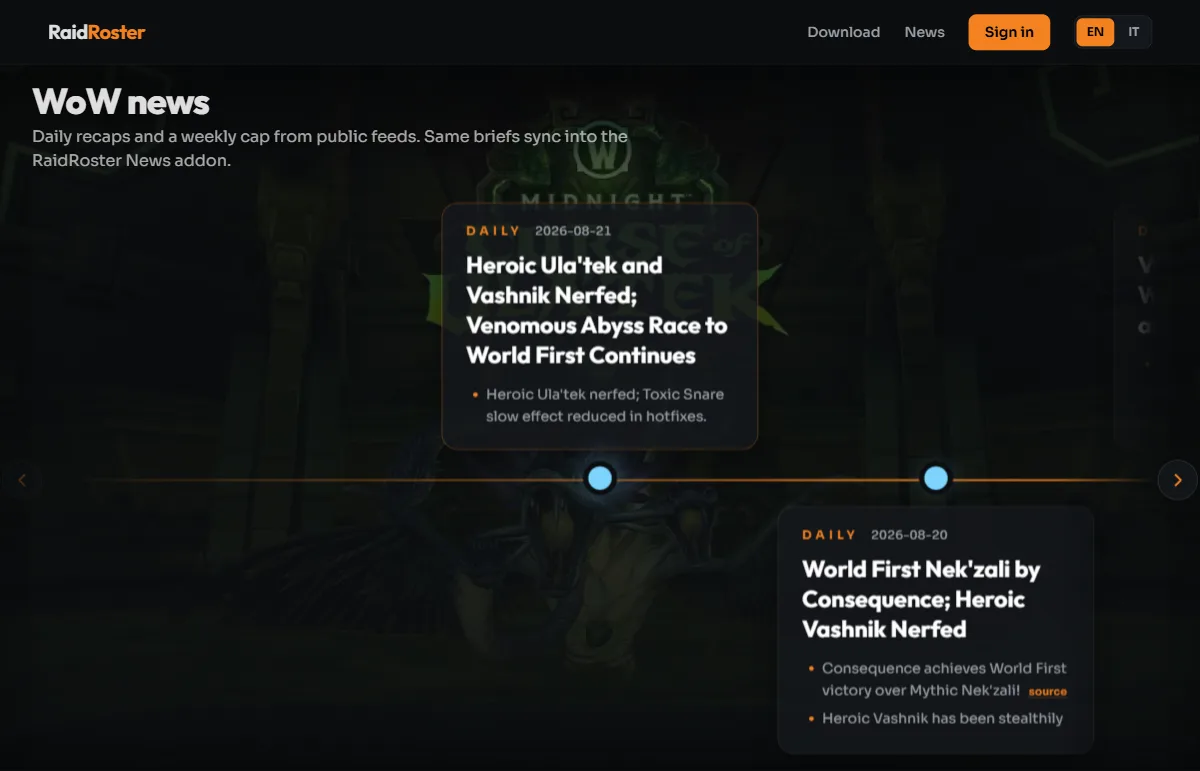
Check the site
Characters, guild hub (raid progress, roster, Analyzer, calendar, loot), and the news timeline on the site are the browser counterparts of the addons. News also needs Watch + /reload to land in RaidRoster News.